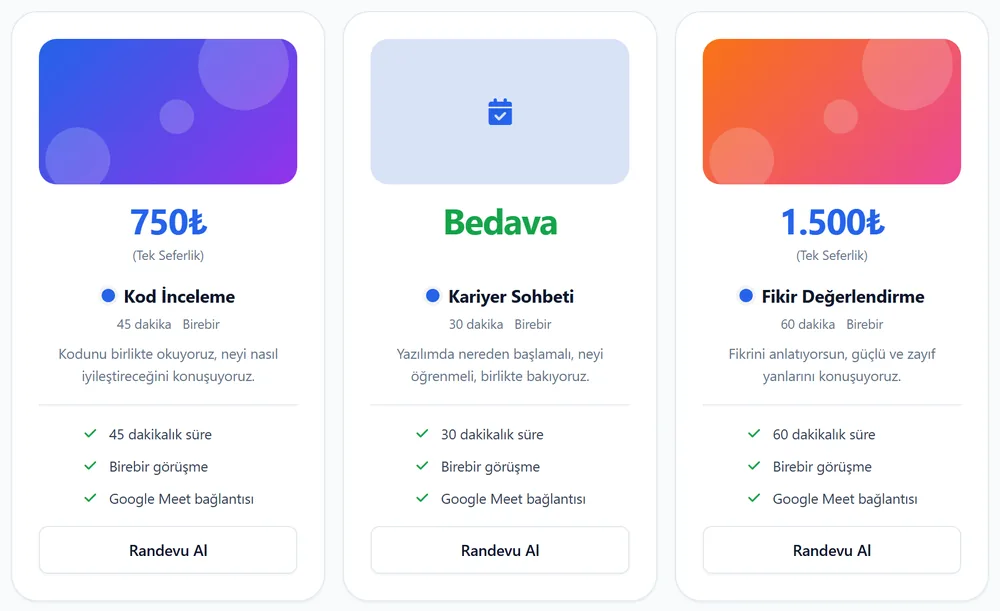
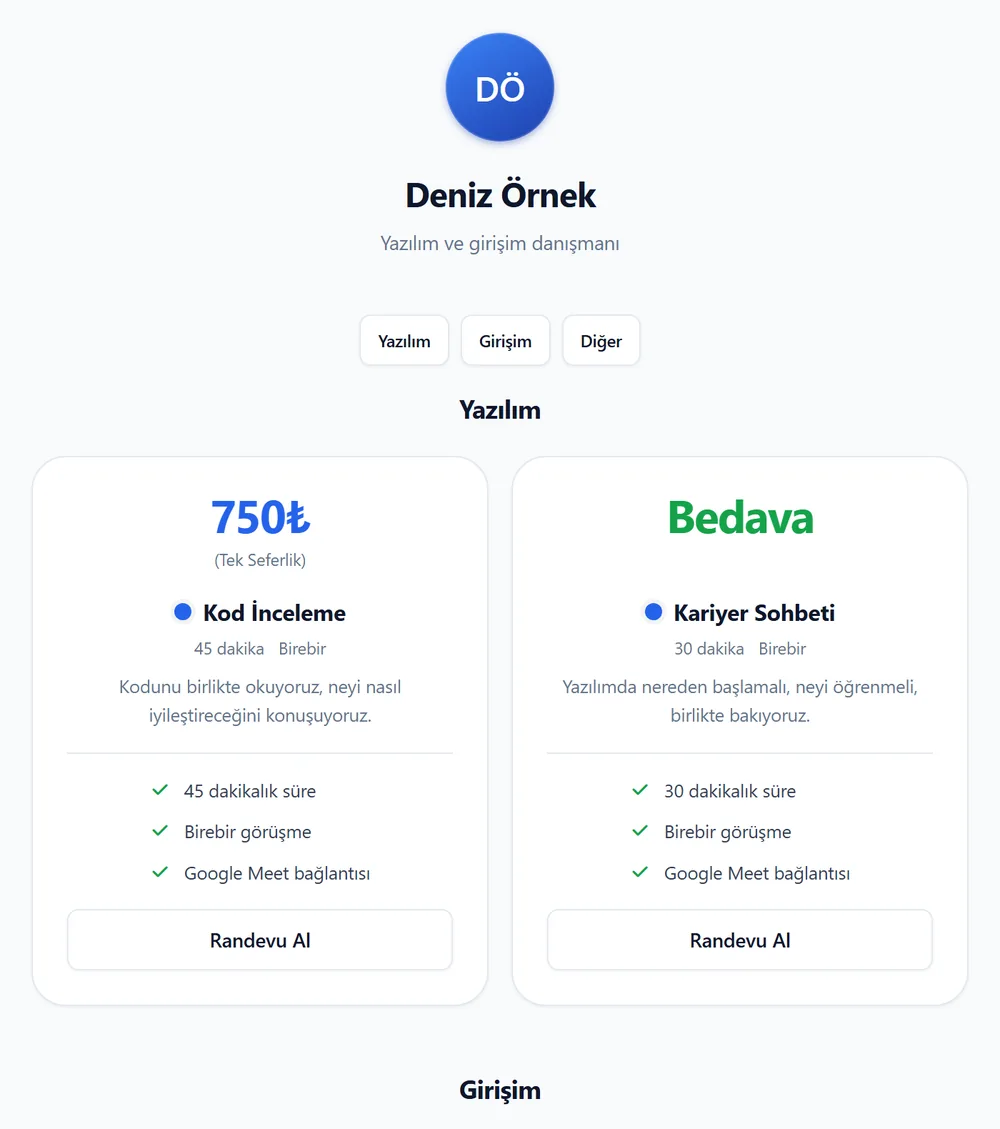
You can group your meeting types into categories. Your profile page is split into sections with category headings, and everything still shows on one page.
Each category has its own link: takv.im/yourusername#category. Share it and visitors land right on that section.
Add, edit or delete categories in the Categories tab on the Meeting Types page.
Write a short description for each category. It shows under the heading on your profile.
Choose a category while editing a meeting type.
Use the arrow buttons to change the order of categories and meeting types.
Deleting a category does not delete the meeting types in it.
Before, you could not delete a meeting type that had a paid booking. Now you can.
A deleted meeting type disappears from your profile and lists, and no one can book it again. Your booking and sales records stay on the My Bookings page.
Anyone can now build an app for takv.im. The app adds a "Connect with takv.im" button, the user approves on takv.im, and the app can read their bookings. Nobody has to share an API key.
Users can remove access at any time from the Security section in Settings.
Apps that takv.im does not recognize show a warning on the approval screen.
Built an app? Tell us with the "Add your own integration" button on the Integrations page.
You can connect assistants that support MCP, such as ChatGPT, Claude and Grok, to your takv.im account. Chat with the assistant to look at your customers and to change your profile, meeting types and availability.
You choose which permissions to give when you connect.
The assistant cannot delete customers, notes or bookings.
You can disconnect at any time from the Security section in Settings.